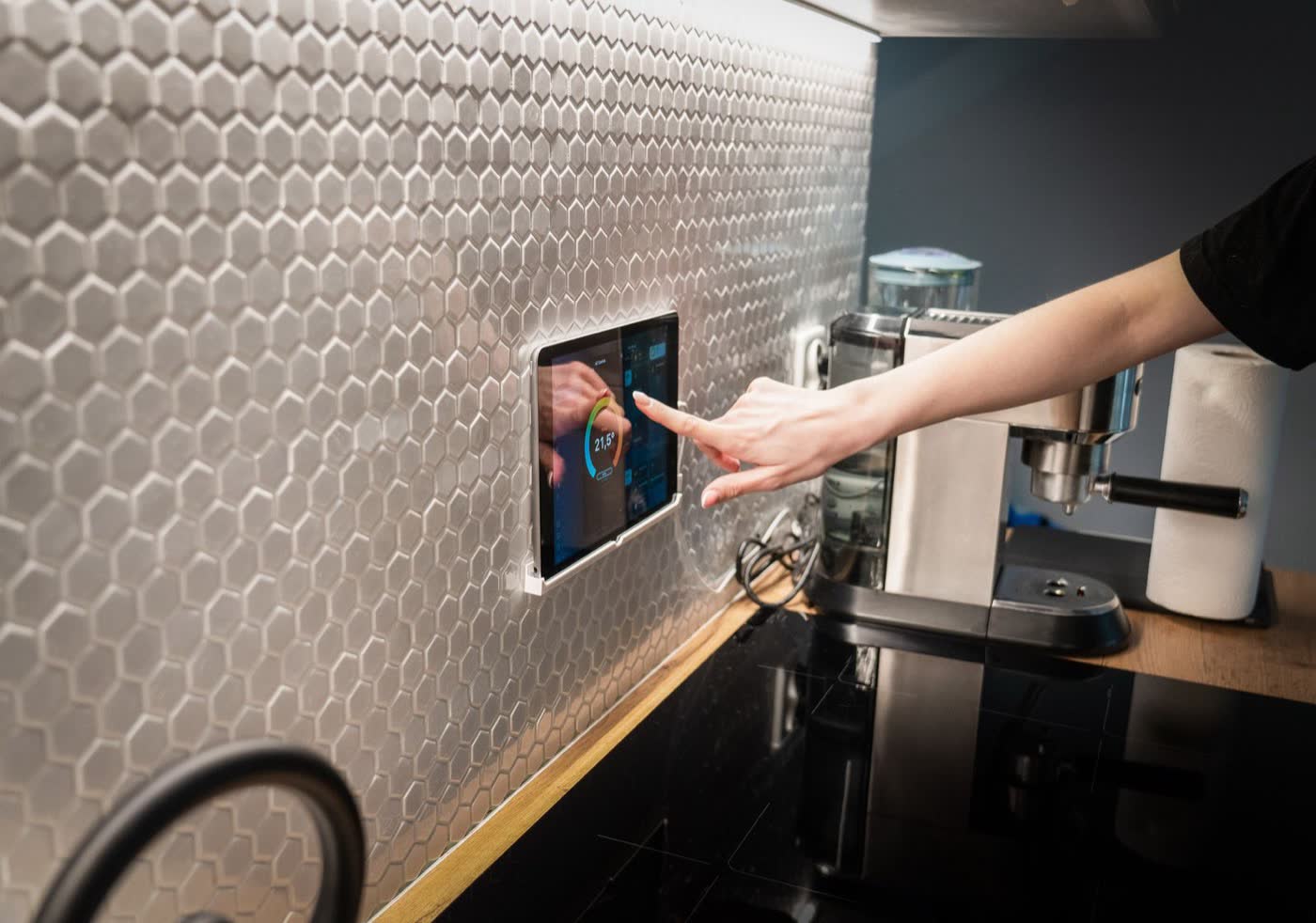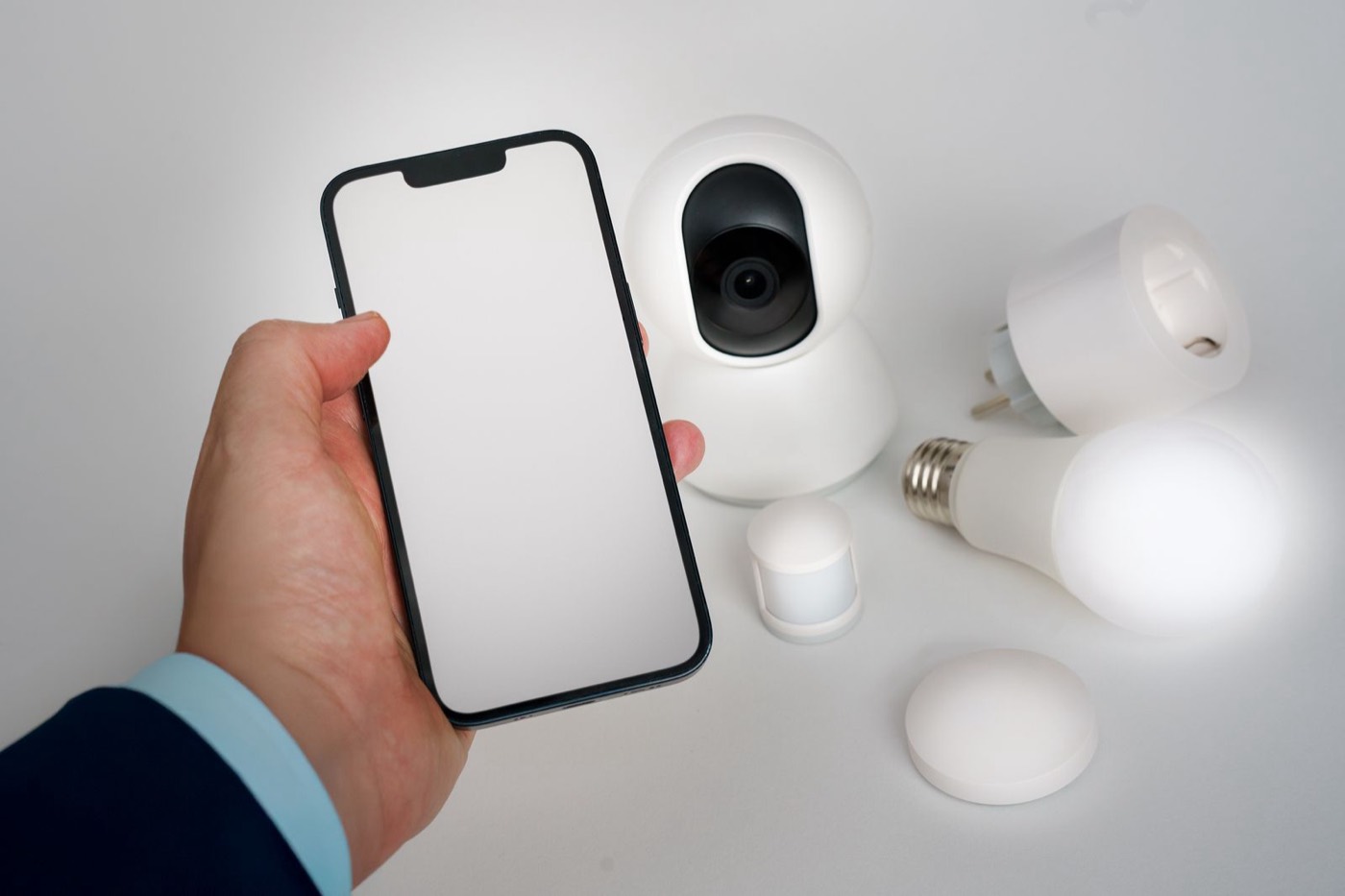
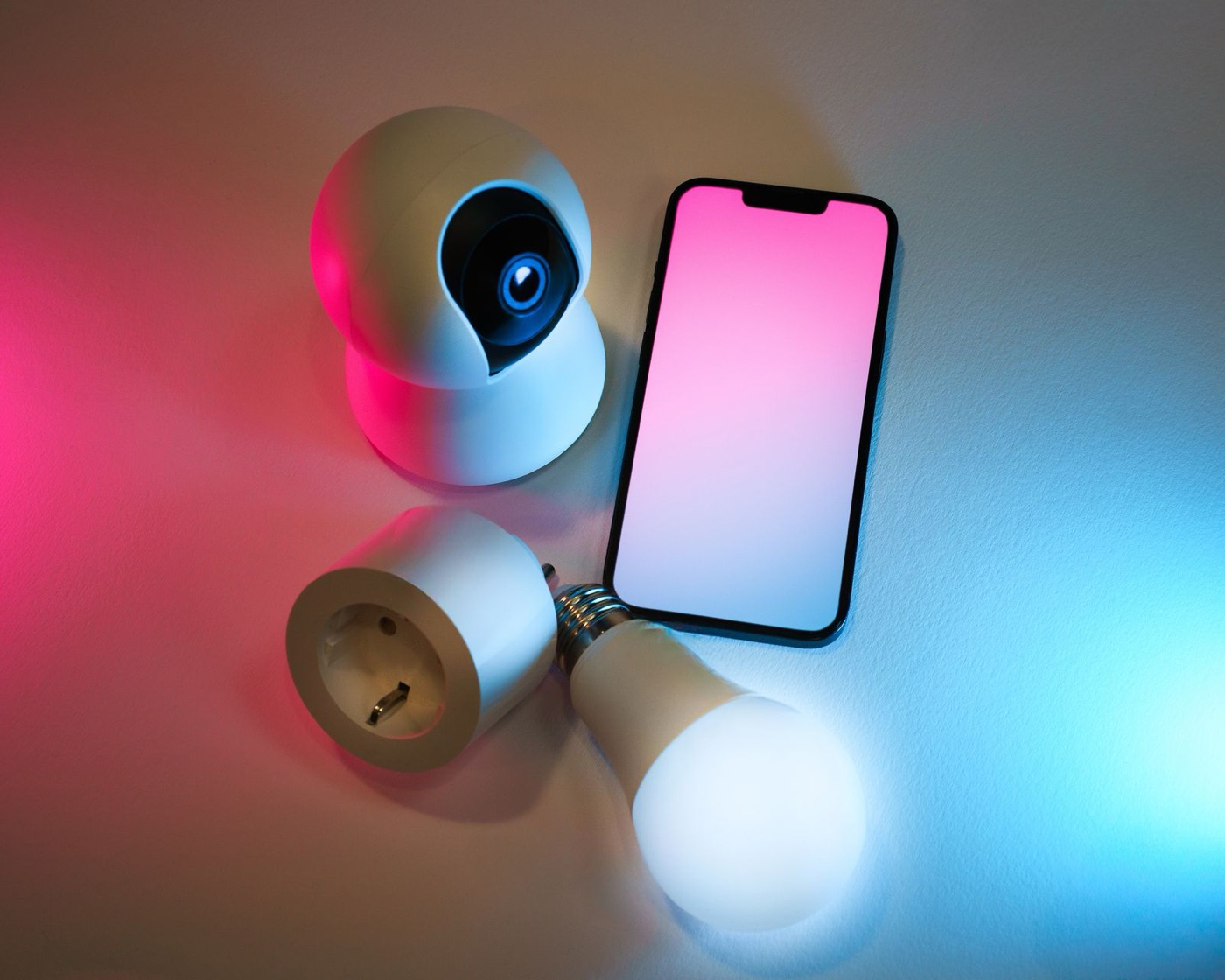
Yes, smart shades work with Apple HomeKit and Siri. Our motorized shades connect to the Apple Home app, so you can control them by voice, from your iPhone, or in scenes with your lights. We set up voice control and scenes before we leave.
What can you do with Siri and smart shades?
- Voice: “Hey Siri, close the bedroom shades.”
- The Home app: Open or close any shade from your iPhone, iPad or Apple Watch.
- Scenes: One tap for “Movie night” can dim the lights and lower the shades.
- Automations: Lower west-facing shades every afternoon before the sun hits.
How do the shades connect to Apple Home?
The motors link to a small hub or bridge on your home Wi-Fi, which links to Apple Home. Matter is another way to connect. See Matter smart shades. We pair the shades, name them by room, and test Siri with you before we leave.
Do they still work without the iPhone?
Yes. A remote or a wall keypad works too, so guests and kids don’t need an app. Battery motors keep working in a power outage. Read do motorized shades need to be plugged in.
What if others in the house use Alexa or Google?
No problem. The same shades also work with Amazon Alexa, Google Assistant, Samsung SmartThings, Home Assistant and more. See smart shades that work with Google Home and smart shades that work with Alexa.
Which shades can work with HomeKit?
Any motorized shade we build: roller shades (light filtering, room darkening, blackout), zebra shades and dual rollers. Learn more on smart home integration and motorized shades.
Can automations follow the sun?
Yes. In the Apple Home app you can set shades to move at sunrise or sunset, or at a set time each day. That helps keep rooms cooler and protects floors from direct sun. We program the main schedules before we leave, and you can change them any time.
Pick your fabric on our fabrics page. Book a free consultation and we will set your shades up with Apple Home: request a quote or call (702) 927-2537.